


Mobile browsing works best when a casino site is treated like a compact website rather than a full desktop replacement. On a smaller screen, clear menus, quick search, readable game information and dependable account access matter more than having every option visible at once. The Canadian version of spinsy online casino is designed for browser use on Android and iOS, with casino, live casino, sports, promotions and account areas available through a responsive mobile site. A few simple habits can make browsing more efficient and less frustrating.
The mobile site is intended to run in a standard browser, so an App Store or Google Play installation is not required. Open the site in the browser already installed on your phone, then allow the page to finish loading before moving between sections. A stable Wi-Fi or mobile-data connection is helpful, particularly when browsing live casino pages or image-heavy game lobbies.
Android users can create a shortcut by selecting “Add to Home screen” from the browser menu. On iPhone, the equivalent option is normally available through the Share menu. This shortcut is not a separate native application; it opens the same mobile web account and balance in the browser. That distinction matters because browser permissions, stored sessions and notification behaviour can differ from those of a downloaded app.
Before saving a shortcut, check that the address bar shows the intended website and that the page layout responds properly to portrait and landscape orientation. Avoid installing files offered through unfamiliar pop-ups. A browser-based shortcut should not require an unknown download, a sideloaded package or unusual device permissions. If the site behaves poorly, closing other tabs, updating the browser and switching networks may resolve basic loading problems.
A large mobile lobby can become difficult to navigate when every title appears in one long stream. The available search, category and provider filters are therefore more useful than scrolling through the entire catalogue. Start with a broad category such as slots, table games, live games or instant games, then narrow the results with a name or provider search if you already know what you want to inspect.
Sections such as Top, New, Popular, Exclusive and jackpots can help with discovery, but they answer different questions. “New” is useful when you want recently added titles, while “Popular” reflects the lobby’s current presentation rather than a promise of better results. Provider filters can also be practical when you prefer a familiar interface, but they do not by themselves establish a game’s quality, return or suitability.
Many titles support demo play, which can be useful for learning the controls and checking whether a game displays comfortably on your phone. It does not prove that the real-money version will produce a particular result or reveal future outcomes. Use the game’s information panel to review rules, paylines, bet controls and any available instructions before deciding whether it deserves further attention.
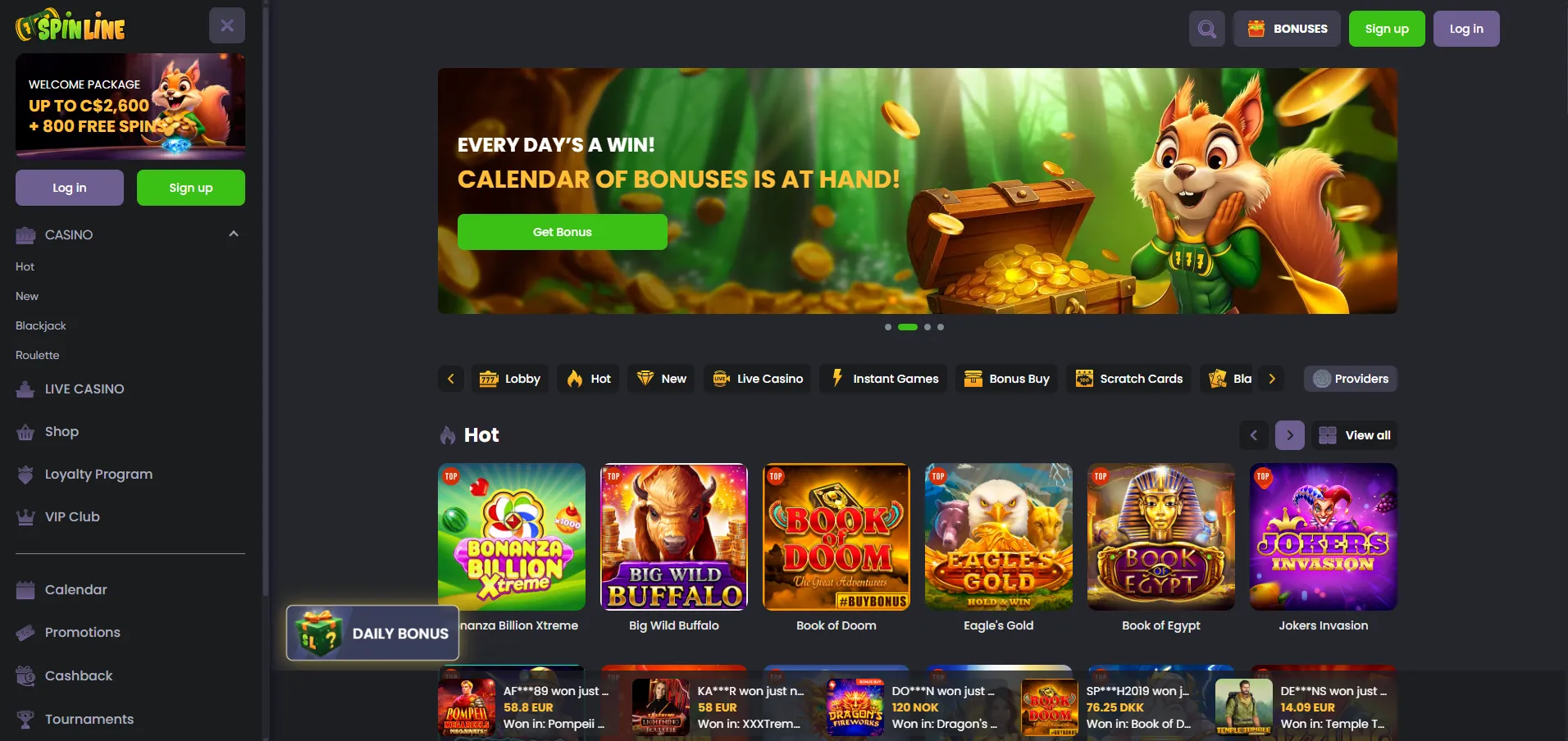
Mobile browsing is not limited to game discovery. The same browser account can provide access to promotions, challenges, the rewards shop, VIP information and transaction areas. On a smaller display, open one section at a time and use the browser’s back button carefully. Repeatedly opening new tabs can make it harder to tell which page contains current account information.
When reviewing a promotion on a phone, expand the terms before making a decision. Headline amounts can be easier to notice than wagering requirements, expiry periods, qualifying games or activation steps. The source material indicates that offers can change and that some promotions must be activated through the bonus area. If a condition is unclear, check the current account terms or ask support rather than relying on an older description.
Account security also deserves attention on mobile devices. Use a private, personal device where possible, lock the phone with a passcode or biometric control, and avoid saving credentials on shared hardware. The Canadian Centre for Cyber Security provides general online-safety information that can help with password, device and account-protection decisions. Sign out after using a shared device, especially if account or cashier pages were opened.
A responsive layout can make ordinary browsing convenient, but it does not remove every limitation of a phone. Long terms, identity-document instructions and transaction histories may be harder to examine on a small screen. If text is cramped or an important button is hidden, rotate the device, increase browser zoom or move to a larger screen before making a consequential account decision.
Verification is another task that may be less comfortable on mobile. The available account process can involve identity, address, payment or source-of-funds information, depending on the circumstances. Photographing documents with a phone does not guarantee acceptance; images must be readable and the requested information must match the account. Do not send sensitive material through an unofficial pop-up or an unverified contact channel.
Mobile access also depends on the browser, device, connection and account configuration. A feature visible on one phone may load differently on another, and payment or promotional options should not be assumed merely because they appear elsewhere. If a page fails repeatedly, record the message, avoid making duplicate requests and contact the stated support channel for clarification.
Different phones suit different browsing habits. A newer device with a larger display may handle several lobby categories comfortably, while an older handset may be better used for direct searches rather than image-heavy discovery. Portrait mode is generally convenient for menus and account pages; landscape mode can provide more room for tables, live interfaces or detailed game information.
It can help to separate browsing into short tasks: search for a title, read its information, check the relevant terms and then leave the page if it is not suitable. This reduces unnecessary scrolling and makes it easier to notice whether a page has changed. Keep the browser updated, remove stale tabs and avoid using public networks for sensitive account work unless the connection is trustworthy.
Finally, do not confuse convenience with a reason to stay online longer. A home-screen shortcut makes access faster, but it does not make every session worthwhile. Decide in advance what you intend to inspect, keep account decisions separate from impulsive browsing and pause if the site becomes distracting. If you need an account restriction or self-exclusion request, use the available support process and ask for confirmation of what has been applied.
No. The available information describes a responsive mobile website for Android and iOS rather than a required native application. Users can create a home-screen shortcut that opens the browser version. It is still wise to check the address bar and avoid downloading files from unfamiliar prompts claiming to provide an app.
Many listed titles support demo play, allowing you to inspect controls and general presentation without treating a short demonstration as evidence of future results. Availability can vary by title, device or account context. Read the game information and current terms before deciding what any available mode means.
Check the connection, refresh the page, close unnecessary tabs and confirm that the browser is up to date. Rotating the phone or using a larger screen may help with cramped layouts. If the problem continues, note the error and contact the stated support channel without repeatedly submitting account or payment requests.